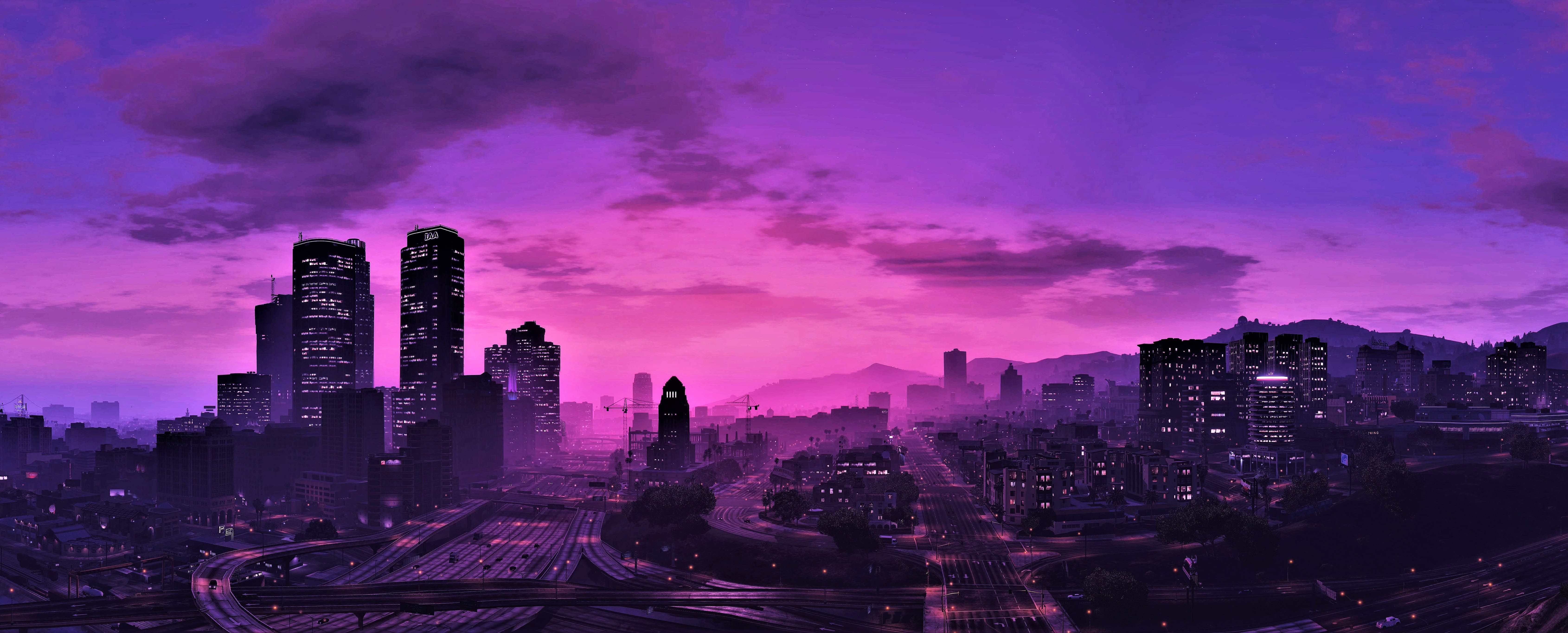
CENTURY ROLEPLAY
Century Roleplay offers a realistic roleplay experience on MTA:SA where you can create your own character, explore different careers, and interact with others in a living world.
CHOOSE YOUR PATH
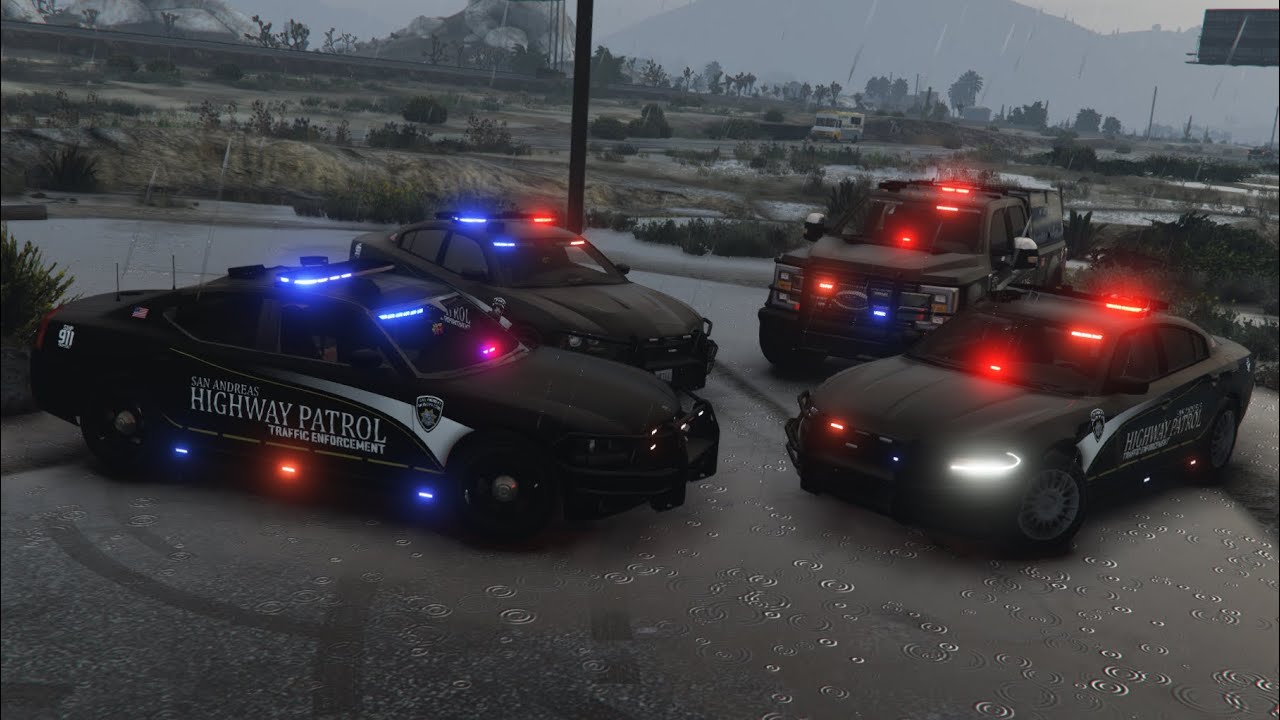
LAW ENFORCEMENT
Protect and serve the citizens. Enforce the law, investigate crimes, and maintain order in the chaotic streets of San Andreas.
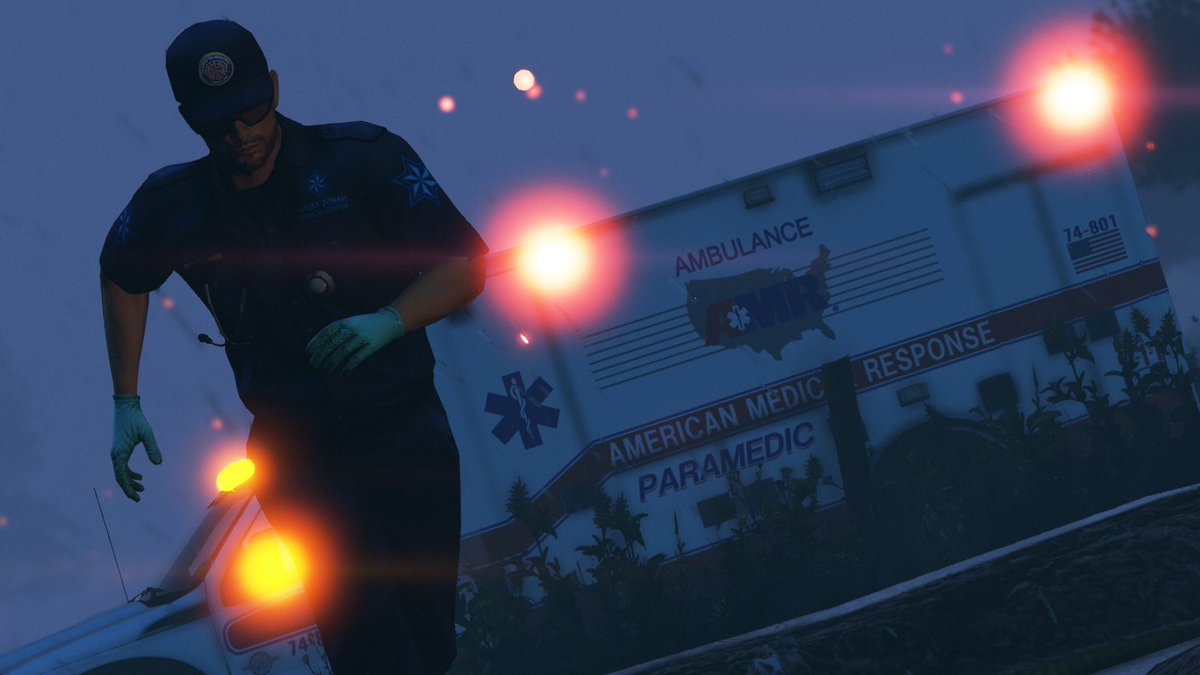
MEDICAL SERVICES
Save lives at the edge of death. Provide critical care and emergency response.
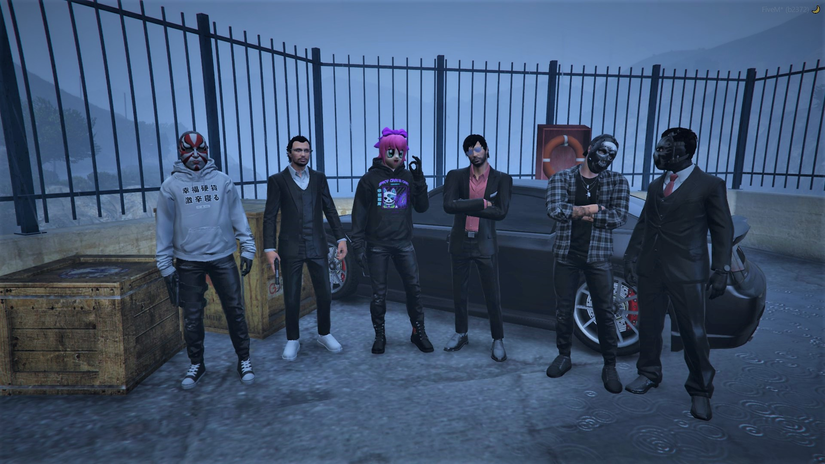
CRIMINAL UNDERWORLD
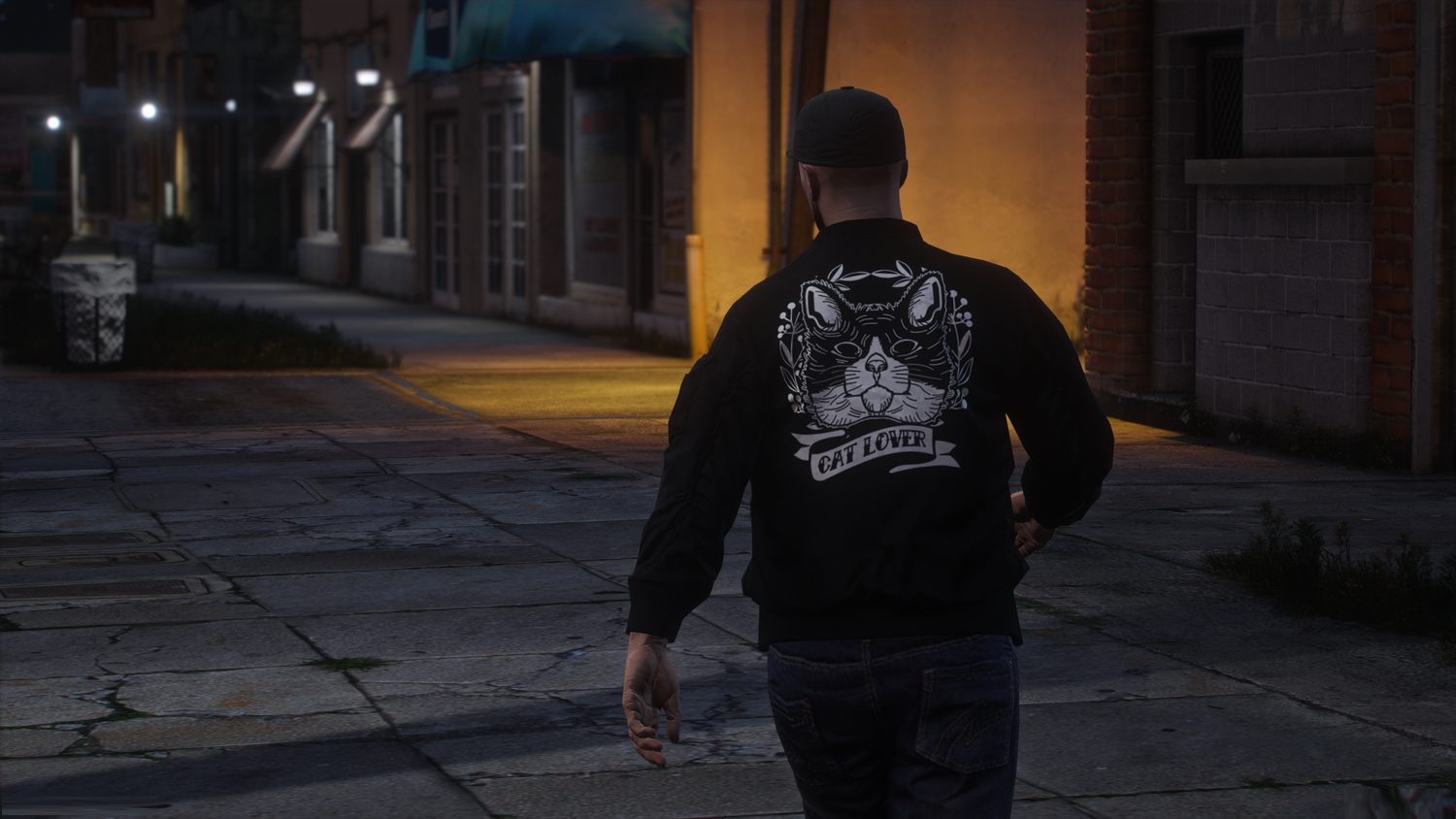
CIVILIAN LIFE
System Requirements
Minimum
GPU: NVIDIA 9800 GT 1GB / AMD HD 4870 1GB
RAM: 4GB
CPU: Intel Core 2 Quad CPU Q6600 @ 2.40GHz (4 CPUs) / AMD Phenom 9850 Quad-Core Processor (4 CPUs) @ 2.5GHz
Storage: 2GB (HDD)
Recommended
GPU: NVIDIA GTX 660 2GB / AMD HD 7870 2GB
RAM: 8GB
CPU: Intel Core i5 3470 @ 3.2GHz (4 CPUs) / AMD X8 FX-8350 @ 4GHz (8 CPUs)
Storage: 2GB (SSD)
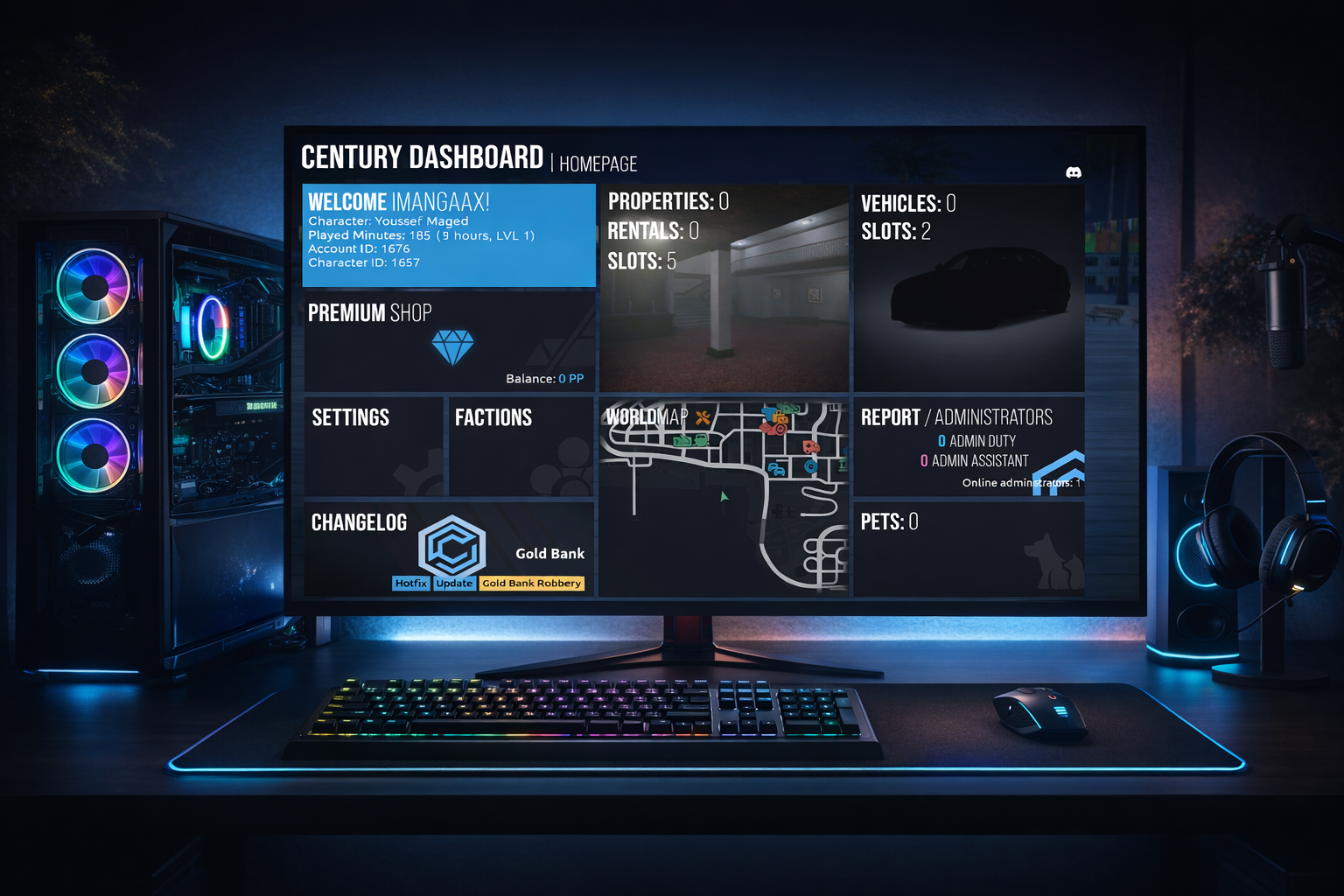
GET IN THE GAME
Follow these simple steps to join Century City
Buy GTA San Andreas
You need a legal copy of GTA San Andreas 1.0 (PC) installed on your machine to play.
Download MTA:SA
Multi Theft Auto: San Andreas is our multiplayer platform. Download the latest version.
Register Account
Create your account through our Century Roleplay MTA:SA server to begin your roleplay journey.